Skip to content
Doc24hrs Doc24hrs

A simpler way to check in.

Hold your phone’s front camera on your face for about 30 seconds, then read your wellness estimates in plain words.

See how it works
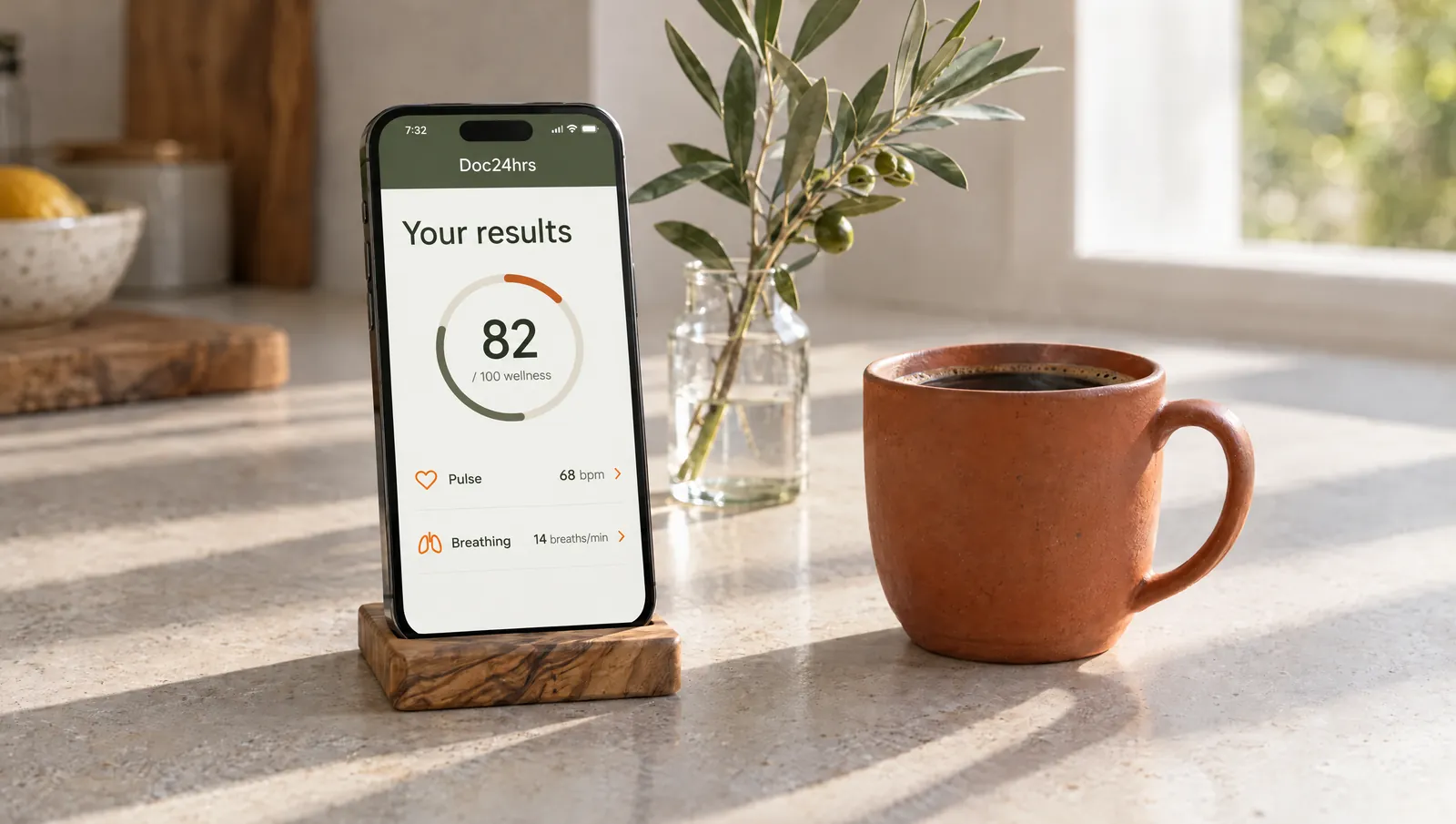
Illustration: a phone on a kitchen counter shows the results screen next to a cup of coffee

The camera you already carry.


Doc24hrs turns your phone’s front camera into a quick wellness check-in, and saves every scan to your history so you can look back at earlier results.

See what the scan shows

Wellness at home, on your own schedule

About 30 seconds

Find good light and hold still. Nothing to wear, no needles.

Your video stays on your phone

The camera video is processed on your phone and isn’t uploaded. Signals derived from it and your profile answers go to our scan provider, and data is stored outside the U.S., including in Mexico. Read the Privacy Policy.

English and Spanish

Use the app in English or Spanish. Naia speaks the language you pick.

Made for families

One Family plan covers you, a spouse or partner and up to 3 children.

The face scan

01

Hold still in front of your camera for about 30 seconds. Your results can include a wellness score from 0 to 100 and estimates for heart rate, breathing, stress, sleep quality and more. What appears depends on each scan.

Heart and breathing

Heart rate · breathing rate · HRV

Wellness indices

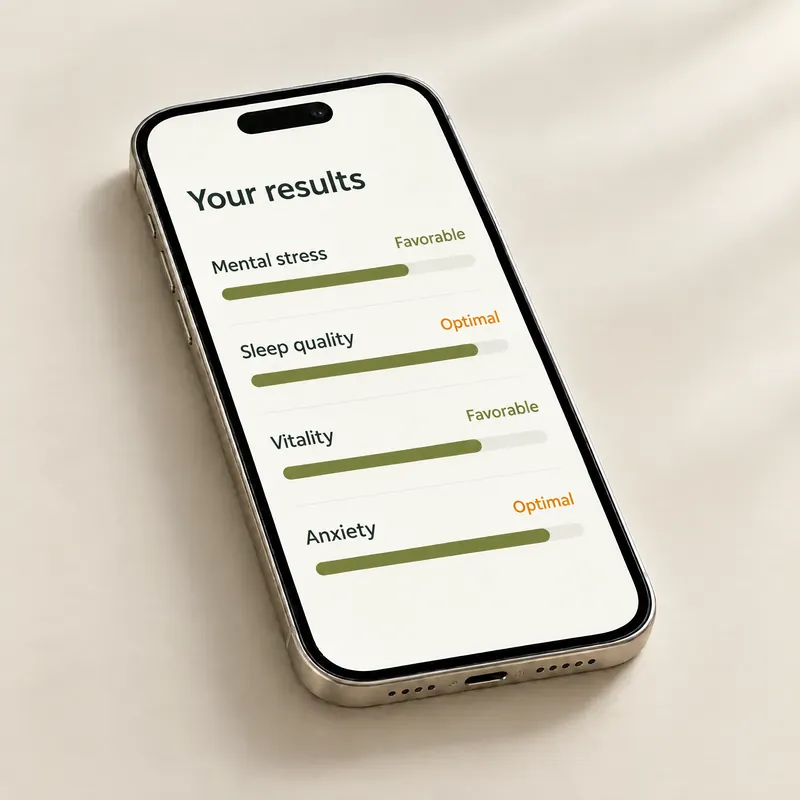
Stress · sleep quality · vitality
Illustration of the results screen: mental stress, sleep quality, vitality and anxiety, each with its range

Body

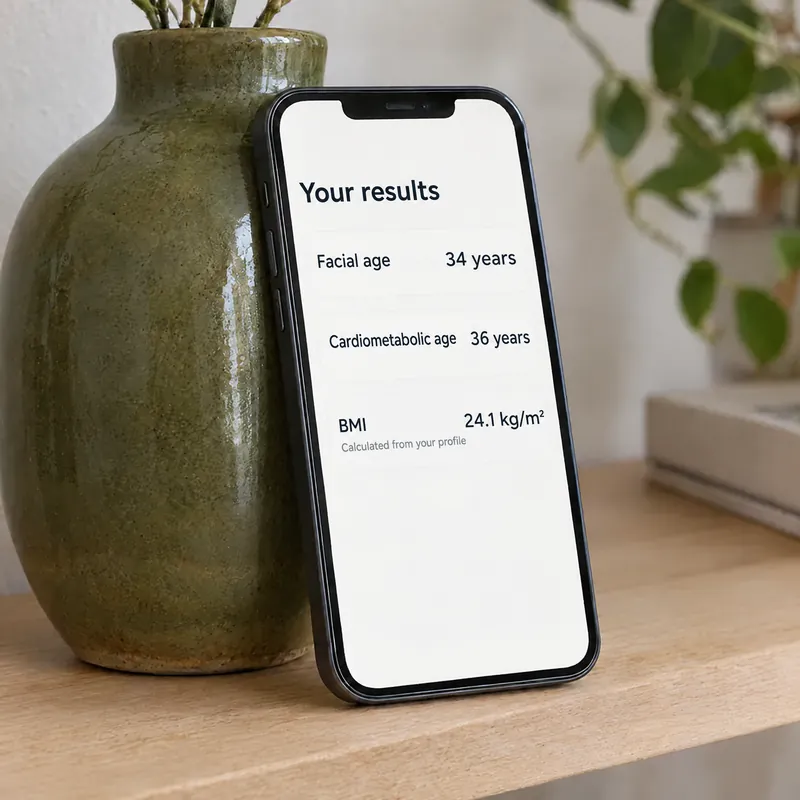
Facial age · cardiometabolic age · BMI from your profile
Illustration of the results screen on a phone leaning on a vase: facial age, cardiometabolic age, and BMI calculated from your profile

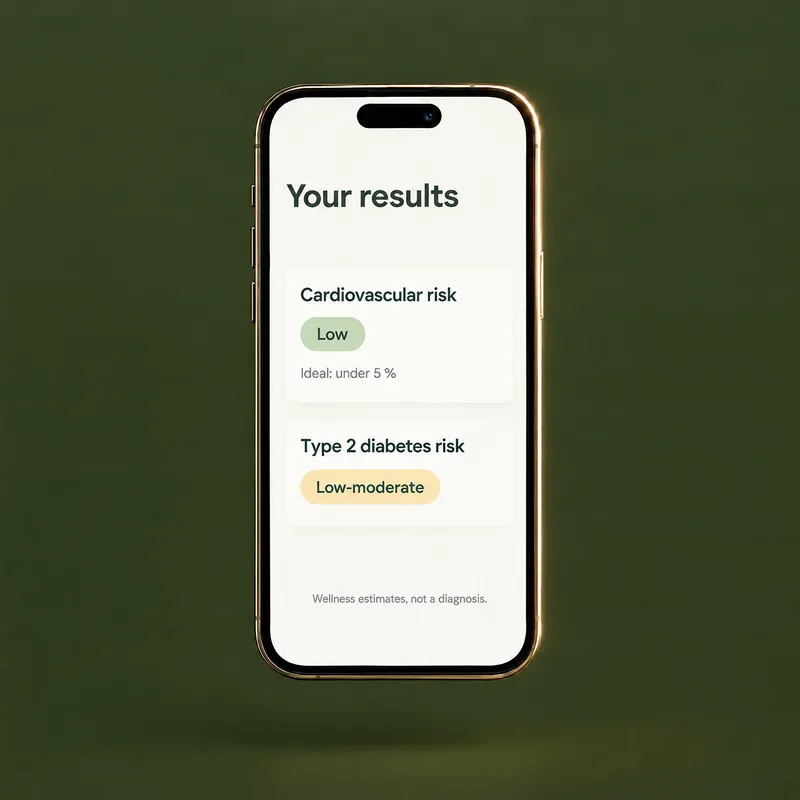
Risk estimates

Probabilities, not lab values
Illustration of the results screen: cardiovascular risk and type 2 diabetes risk, with a note that they are wellness estimates, not a diagnosis

Wellness estimates, not a diagnosis

Your results, in context.

Most results show where they fall, from Optimal to Very unfavorable, or from Low to Very high for risk estimates, and Naia can explain them. Every results screen reminds you these are wellness estimates, not a diagnosis.

See what the scan shows
See the plans

Naia

02

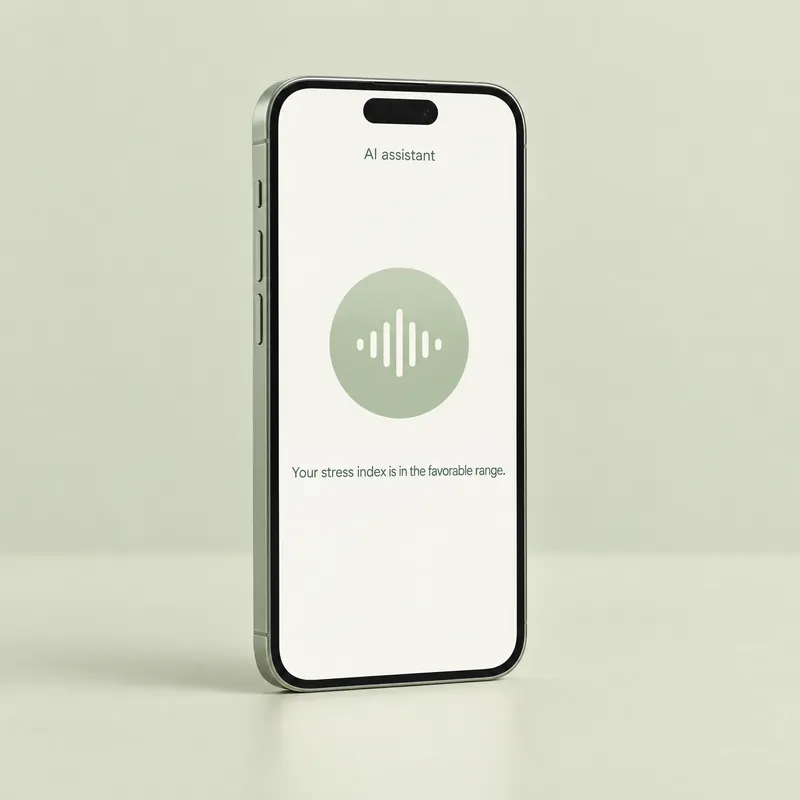
An optional AI assistant with a video avatar and a voice. After a scan she explains your results in plain language, in English or Spanish. She is not a doctor, and she can make mistakes.

Explains your results

On the results screen
Illustration: Naia, labeled AI assistant, explains a result out loud

English or Spanish

In your app’s language
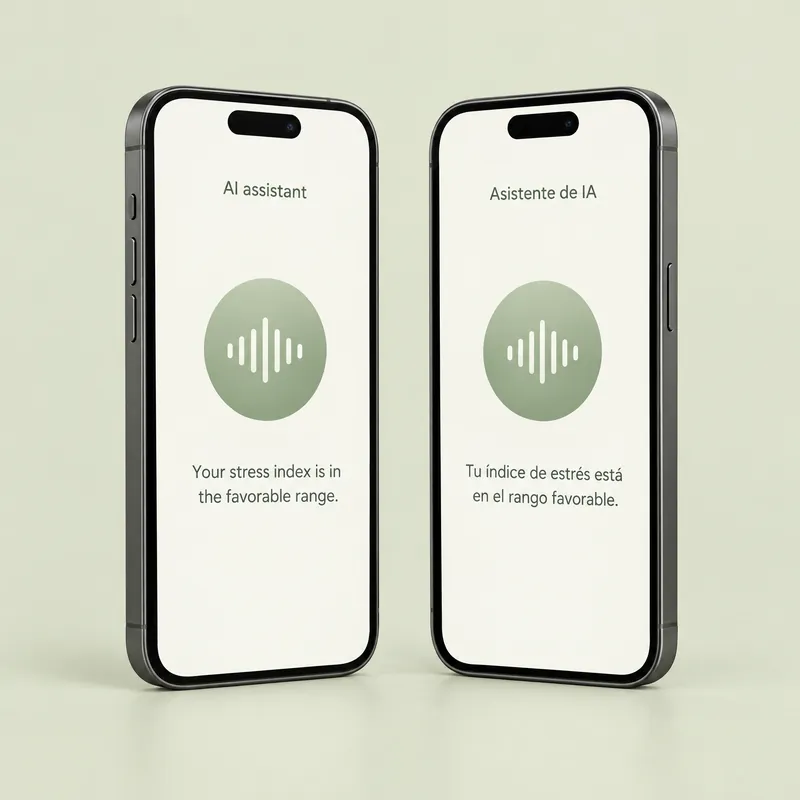
Illustration: Naia’s screen on two phones, one in English and one in Spanish

Only if you say yes

Separate permission · off any time
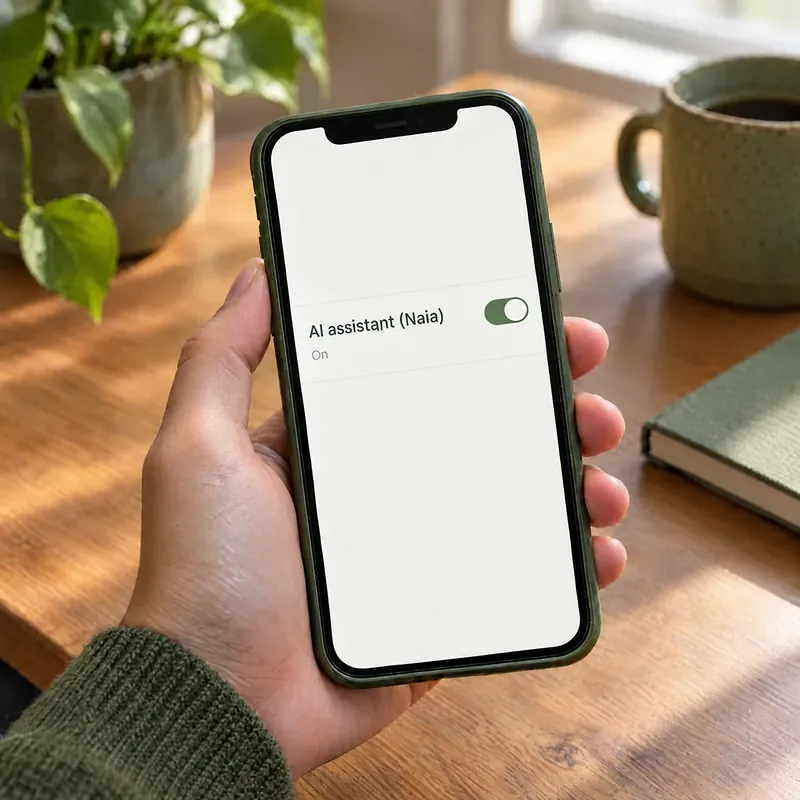
A hand holds a phone with the AI assistant (Naia) switch turned on

Not a doctor

No medical advice or diagnoses
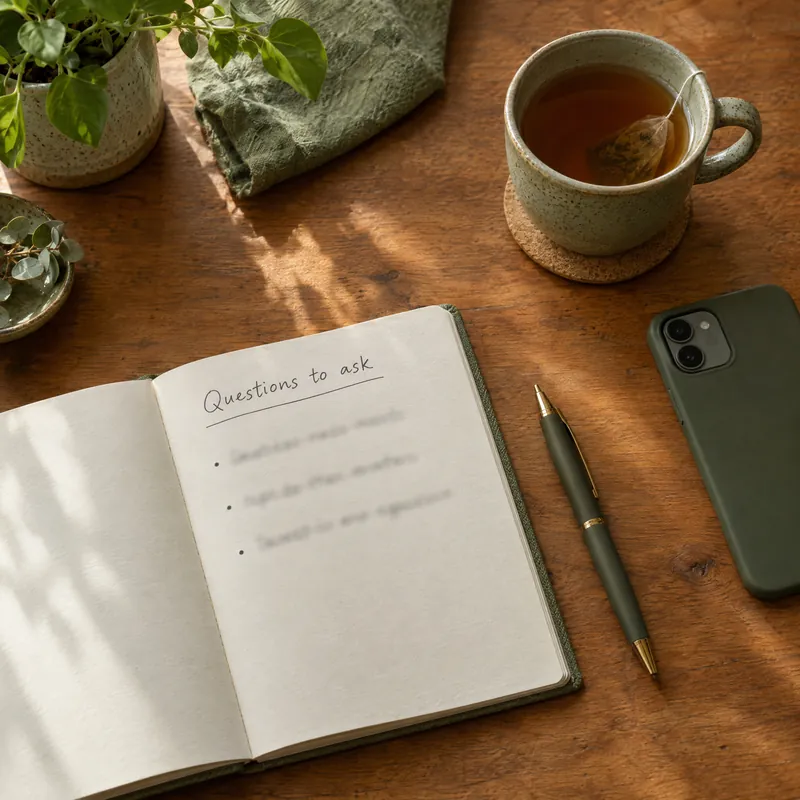
An open notebook titled Questions to ask, next to a pen, a cup of tea and a phone lying face down

Questions about your results? Ask Naia.

She answers by voice. She can’t give medical advice, so for questions about your health, talk to a healthcare professional.

Meet Naia
How Naia uses your data
6:10 AM
8:05 AM
12:40 PM

Whenever your day has room for a quick check-in.

Before a shift, on a lunch break or late at your desk. The scan needs your phone, good light, an internet connection and about 30 seconds of stillness.

6:50 PM
10:30 PM

One plan for the whole family.


Family plan · You, a partner and up to 3 children

Share 8 scans a month. Each person keeps their own history, teens 13 to 17 scan with your consent, and children under 13 can be on the plan without scanning.

See the Family plan
A mother and her teenage daughter look at a phone together
Who are we scanning?
YouPartnerSofía, 15
Family plan · Each month
8 scans, shared

Included scans reset every billing period.

No appointment needed. Just your phone.

How it works

[01]

Answer a few questions once

Age, sex, height, weight, smoking, blood-pressure medication and diabetes. Your estimates use these answers.

[02]

Look into your front camera

Find good light, frame your face and hold still for about 30 seconds.

[03]

Read your results

See your wellness score and estimates, ask Naia what they mean and find every scan in your history.

The Doc24hrs guide

Understand your check-in

Short, plain reads on how camera scans work and how to read your results.

See all articles

Questions, answered

The short answers. For everything else, the support center has the details.

What is Doc24hrs?

A wellness app for the United States that estimates wellness indicators from a face scan with your phone’s front camera. It is not a medical device and does not diagnose any disease.

Can I see a doctor through Doc24hrs?

No. Doctor consultations are not available in the U.S., and no plan includes them. Doc24hrs is a wellness scan plus Naia, an AI assistant. For medical questions, talk to a healthcare professional. In an emergency, call 911.

How long does a scan take?

Once your face is framed, you hold still for about 30 seconds, and your results appear when the analysis finishes. You need good light and an internet connection.

Is my face video uploaded?

No. The camera video is processed on your phone and isn’t uploaded or stored. Signals derived from it, with the profile answers you give, go to our scan technology provider to compute your results.

Your data is stored and processed outside the U.S., including in Mexico. Read the Privacy Policy.

When can I get the app?

Doc24hrs is coming soon to the App Store and Google Play. You will need an iPhone with iOS 16.4 or later, or an Android phone with Android 8.0 or later, a front camera and an up-to-date Android System WebView or Chrome, plus an internet connection.

Coming soon

The Doc24hrs app is coming to iPhone and Android.


It is coming soon to the App Store and Google Play, in English and Spanish. Until then, this site explains what the app does and what it does not do.

iPhone with iOS 16.4 or later · Android 8.0 or later with a front camera and an up-to-date WebView · Internet connection See what the scan shows